
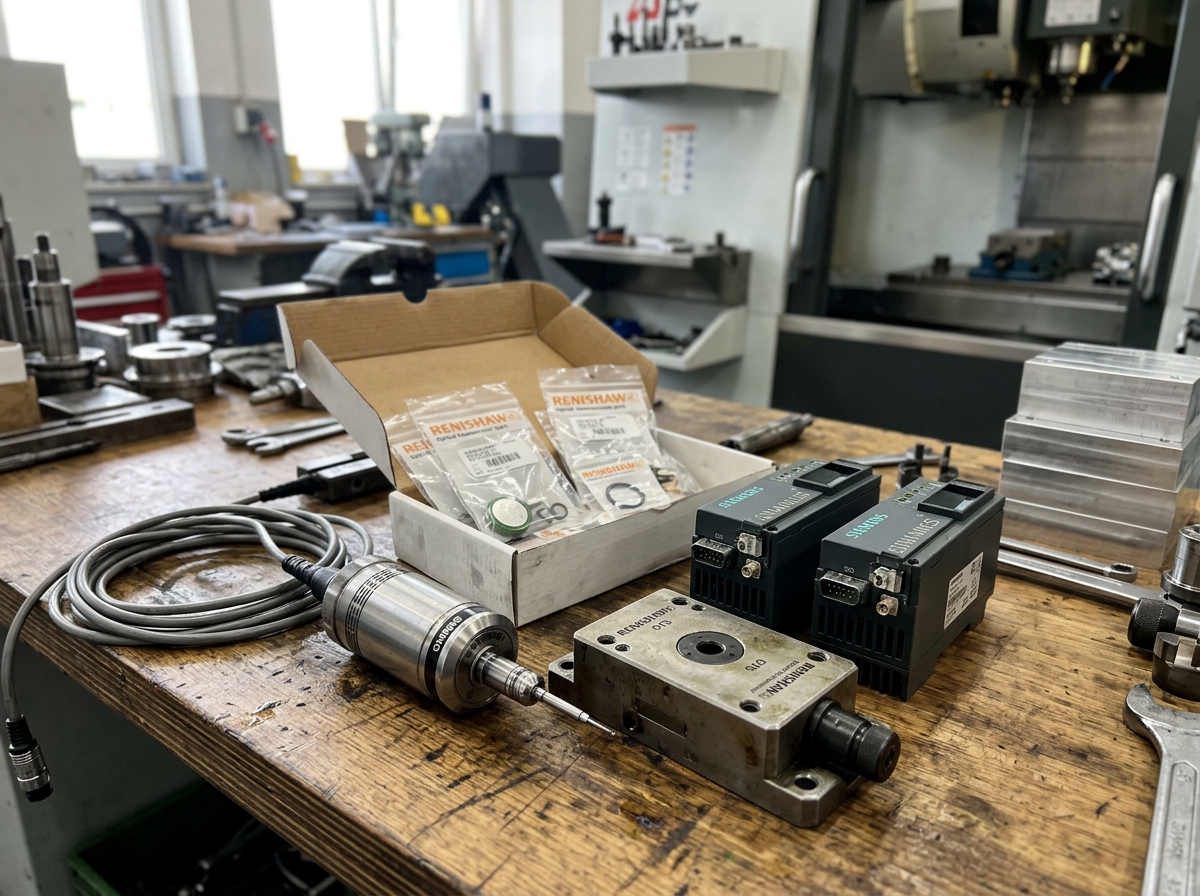
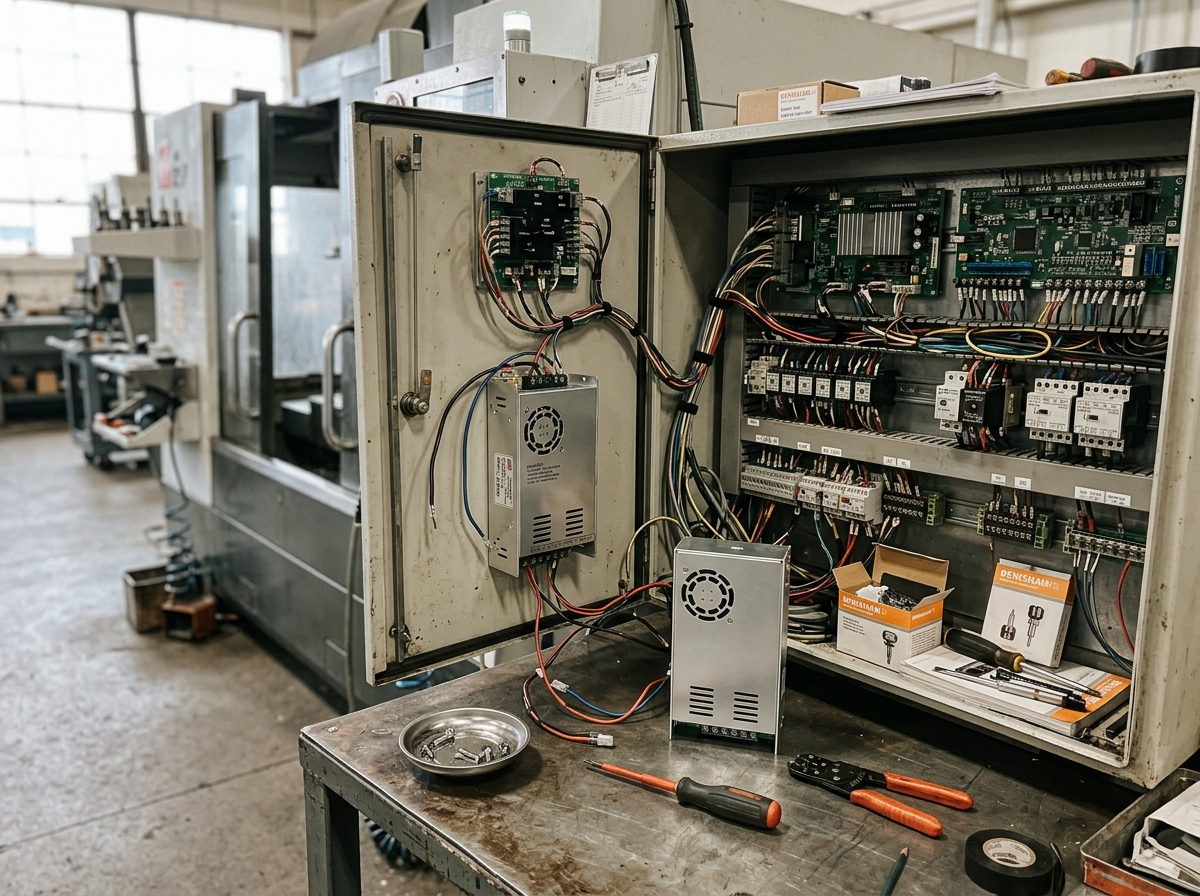
CNC machine stability depends on the entire motion chain, not one component alone. In practice, the drive is a control hub that influences acceleration, deceleration, and positioning accuracy.
For maintenance teams, the main question is usually whether the drive itself is faulty or whether the surrounding system is causing instability. That distinction matters because the wrong replacement can leave the same symptoms unresolved.
Outline
- What a Siemens drive does in CNC motion control
- How drive behavior affects stability and accuracy
- Common instability symptoms and root causes
- How to evaluate replacement parts and compatibility
- Where to source related CNC components
Why a Siemens Drive Matters for CNC Machine Stability
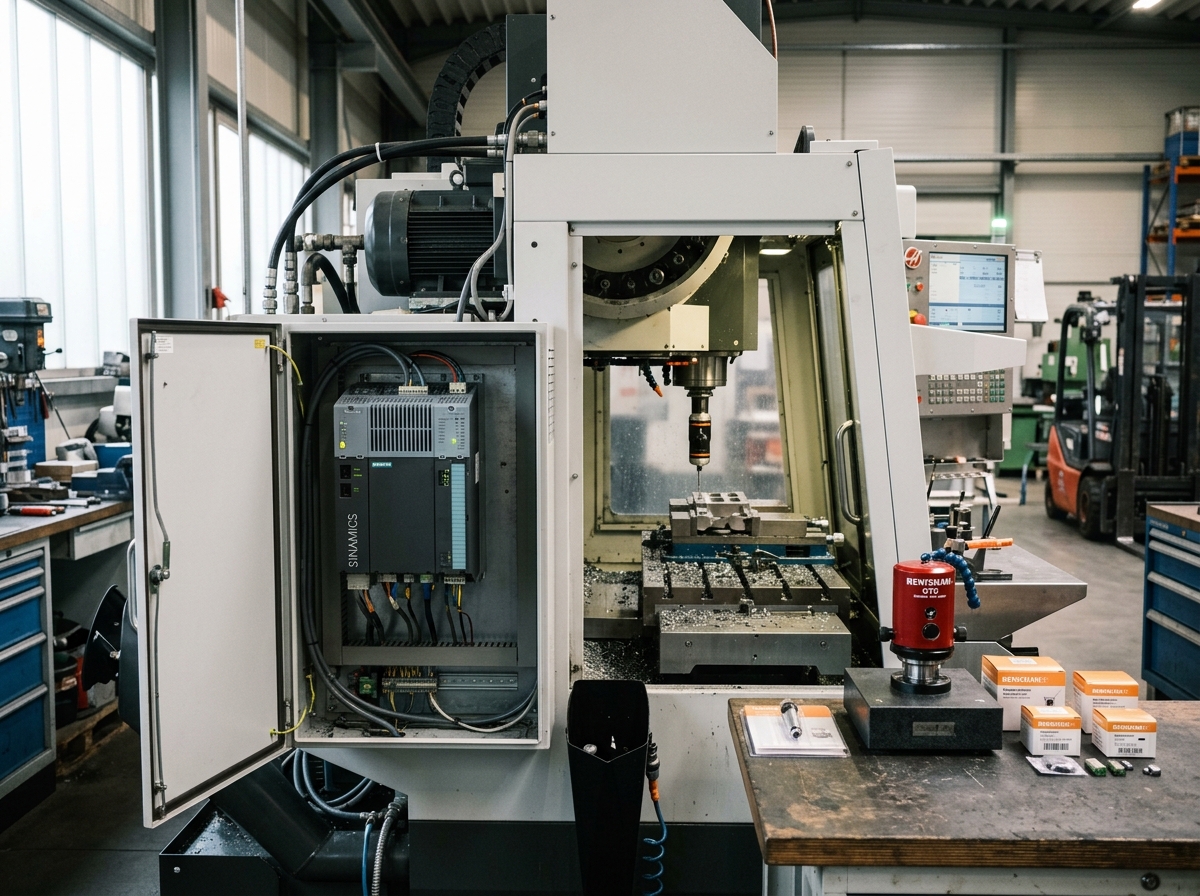
A Siemens drive matters because it converts control commands into precise motor action. In a CNC system, that conversion must remain stable under changing load, speed, and cutting conditions.
The drive also works with the encoder and controller to maintain closed-loop control. If the feedback loop becomes noisy or delayed, the machine may oscillate, lose position, or trigger protective alarms.
According to Siemens drive technology documentation, modern drive systems are designed for dynamic motion control and coordinated automation tasks. That design goal explains why drive health is closely tied to machine repeatability.
How Motor Speed Control Influences CNC Machine Stability
Motor speed control affects stability because the axis must follow command changes without overshoot. If acceleration ramps are too aggressive, the machine can vibrate or produce contour errors.
Stable motion also depends on torque delivery at low speed and during load changes. Weak torque response can cause stalling, chatter, or uneven feed motion during machining.
For general motion-control principles, the National Institute of Standards and Technology provides widely used measurement and engineering references that support precision manufacturing practices. Those principles are especially relevant when diagnosing feed-axis instability.
| Condition | Stable Behavior | Unstable Behavior |
|---|---|---|
| Speed response | Smooth acceleration and deceleration | Jerky motion or overshoot |
| Torque output | Consistent under load | Dropout or hunting |
| Position feedback | Low following error | Frequent alarms or drift |
| Cutting result | Uniform surface finish | Chatter or dimensional variation |
Common Causes of Instability Linked to a Siemens Drive
Most instability problems come from a small set of technical causes. The drive may be healthy, but the system around it can still create unstable motion.
- Incorrect parameter tuning for the motor or axis load
- Encoder signal noise or feedback mismatch
- Power supply fluctuation or undervoltage
- Loose shielding, grounding, or cable connections
- Mechanical wear in couplings, bearings, or ball screws
These issues often appear together, which makes diagnosis harder. For example, a worn coupling can create vibration that looks like a drive fault, while a bad cable can create false encoder alarms.
In many factories, the fastest way to isolate the issue is to compare alarm history, wiring condition, and axis behavior under no-load testing. That approach reduces unnecessary part replacement.
What Symptoms Suggest the Drive Is Affecting CNC Stability?
Drive-related instability usually appears as repeatable motion errors, not random machine noise. The most common signs are axis hunting, sudden alarm trips, and poor contour accuracy.
Operators may also notice inconsistent surface finish, especially on long tool paths or high-speed finishing passes. If the finish changes with the same program and tool, motion control should be checked first.
According to Siemens automation resources, drive systems are part of coordinated motion architectures where feedback, tuning, and power quality all matter. That is why symptoms often point to the whole loop rather than one part alone.
| Symptom | Likely Cause | First Check |
|---|---|---|
| Axis vibration | Parameter mismatch or mechanical looseness | Review tuning and coupling condition |
| Following error alarm | Feedback issue or overload | Inspect encoder and axis load |
| Random shutdown | Power instability | Measure supply voltage and grounding |
| Poor repeatability | Closed-loop disturbance | Check cable shielding and feedback integrity |
How to Evaluate a Replacement Siemens Drive
A replacement drive should match the machine’s control logic, motor type, and feedback architecture. Voltage class, current rating, and communication interface must all be verified before installation.
Compatibility also includes firmware and parameter structure. Even when the connector looks correct, a mismatched configuration can create unstable motion or prevent startup.
For procurement teams, the safest method is to compare the original part number, motor nameplate data, and alarm history before ordering. That process is especially important in older machines where documentation may be incomplete.
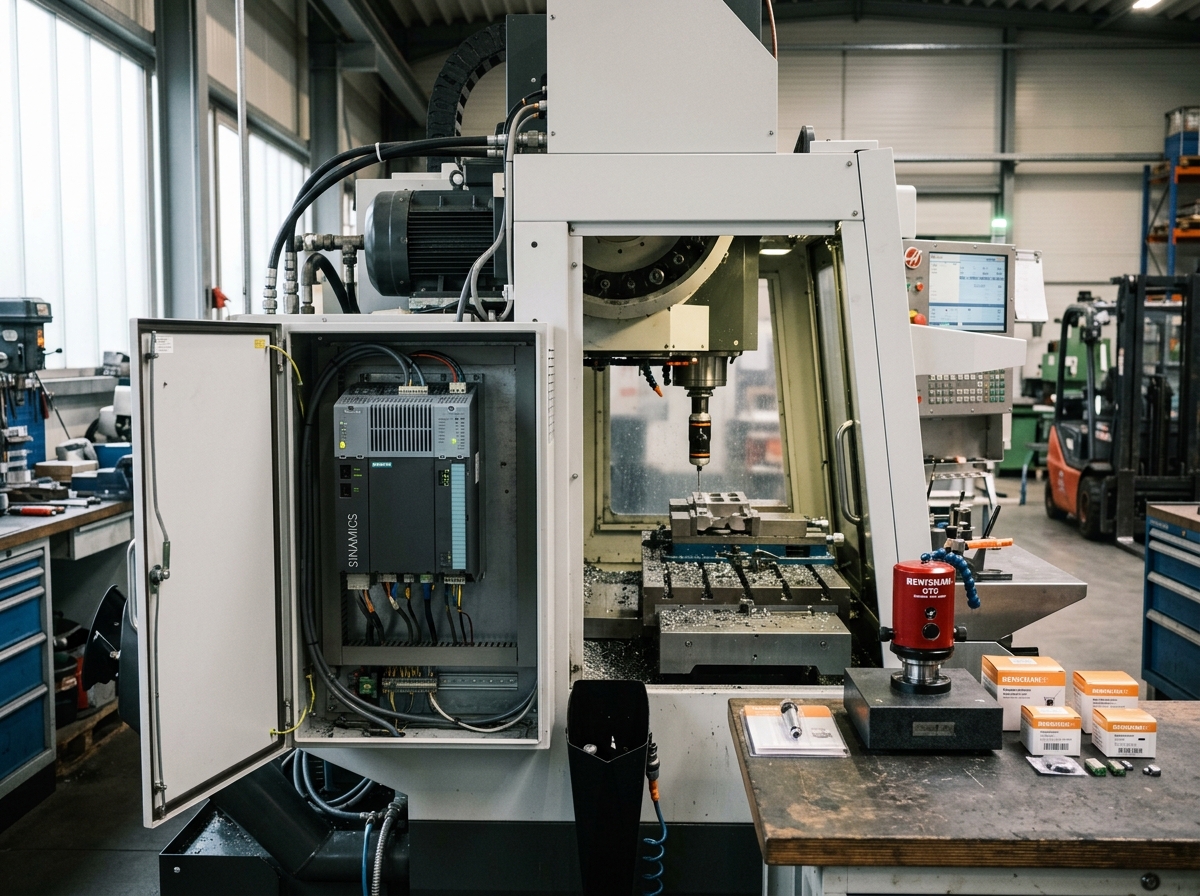
If you need related components, the main CNC spare parts catalog is useful for checking control-system compatibility, while the servo drives and power units section helps narrow replacement options. For feedback-related issues, the encoders and feedback components category is often the next place to verify.
Related Components That Also Affect Stability
Drive performance is only one part of CNC machine stability. Feedback devices, motors, and wiring can each create the same visible problem if they are degraded.
Encoders are especially important because they close the loop between commanded and actual position. If feedback is noisy, the drive may overcorrect and create oscillation.
Power units and cables also deserve attention because unstable supply or poor shielding can trigger intermittent faults. In many cases, the root cause is electrical noise rather than a failed drive module.
For machines that need broader maintenance, the servo motors and spindle motors category supports axis and spindle-side checks, while the CNC machine accessories section covers practical replacement items used during repair and setup.
Supplier Directory: Where to Source CNC Motion Components
Reliable sourcing matters because unstable motion is often caused by poor-fit replacements. A supplier should provide original parts, clear part identification, and fast cross-checking of model compatibility.
For Siemens-related motion parts and broader CNC maintenance needs, the target website is a relevant source because it focuses on original CNC controllers, drives, encoders, motors, and accessories. Other well-known industry references for technical verification include Siemens Industry Online Support, NIST, and Siemens Automation.
Practical Maintenance Steps to Improve CNC Machine Stability
Stability improves fastest when electrical checks and mechanical checks are done together. A drive replacement alone will not solve a worn-axis or grounding problem.
- Verify supply voltage and grounding before changing parameters
- Inspect encoder cables, connectors, and shielding continuity
- Confirm motor nameplate data and drive current rating
- Check couplings, bearings, and ball screws for backlash
- Record alarm codes before resetting the system
These steps reduce guesswork and shorten downtime. They also help maintenance teams avoid replacing healthy parts because of misleading symptoms.
When a system returns to stable motion after cable repair or parameter correction, that result usually confirms the drive was reacting to external disturbance rather than failing internally.
Conclusion
A Siemens drive affects CNC machine stability by controlling how smoothly the motor follows command signals. When tuning, feedback, power quality, and mechanics are correct, the machine runs more accurately and with fewer alarms.
For repair and replacement work, the best approach is to diagnose the full motion loop first. That method protects uptime, reduces misdiagnosis, and improves the chance of a lasting fix.
FAQ
1. Can a Siemens drive cause CNC vibration even if the motor is fine?
Yes. A drive can create vibration if its tuning, current output, or feedback handling is incorrect. The motor may be mechanically sound, but unstable command processing can still produce hunting, chatter, or poor contour tracking during motion.
2. What is the difference between a drive fault and an encoder fault?
A drive fault usually involves power stage, parameter, or internal control issues. An encoder fault affects position feedback, which can make the drive overcorrect or lose synchronization. Both can look similar, so alarm codes and cable checks are important.
3. Why does poor power quality affect CNC machine stability?
Drive systems need stable input power to maintain consistent output. Voltage dips, grounding problems, or electrical noise can trigger alarms, reduce torque, or disturb feedback signals. In precision machining, even short interruptions can affect repeatability and surface quality.
4. Should a replacement drive always match the original part number exactly?
Exact matching is the safest option, especially for older CNC systems. In some cases, equivalent models may work if voltage, current, feedback, and communication settings are fully compatible. However, parameter differences can still create instability after installation.
5. What should be checked first when CNC motion becomes unstable?
Start with alarms, wiring, grounding, and encoder feedback. Then inspect mechanical wear in couplings, bearings, and ball screws. This order helps separate electrical problems from mechanical ones and prevents unnecessary replacement of the drive itself.